Productivity Tools
Build your own progress bar generator
Kliv is an AI app builder. Describe the progress bars you make — fundraising goals, reading challenges, project milestones — and it builds a generator that exports them as images or code, or keeps them live on a page.
Just enter your idea into the text box and AI will build it for you
What is Kliv?
Kliv isn’t a one-off progress bar maker — it’s an AI app builder that builds software for you.
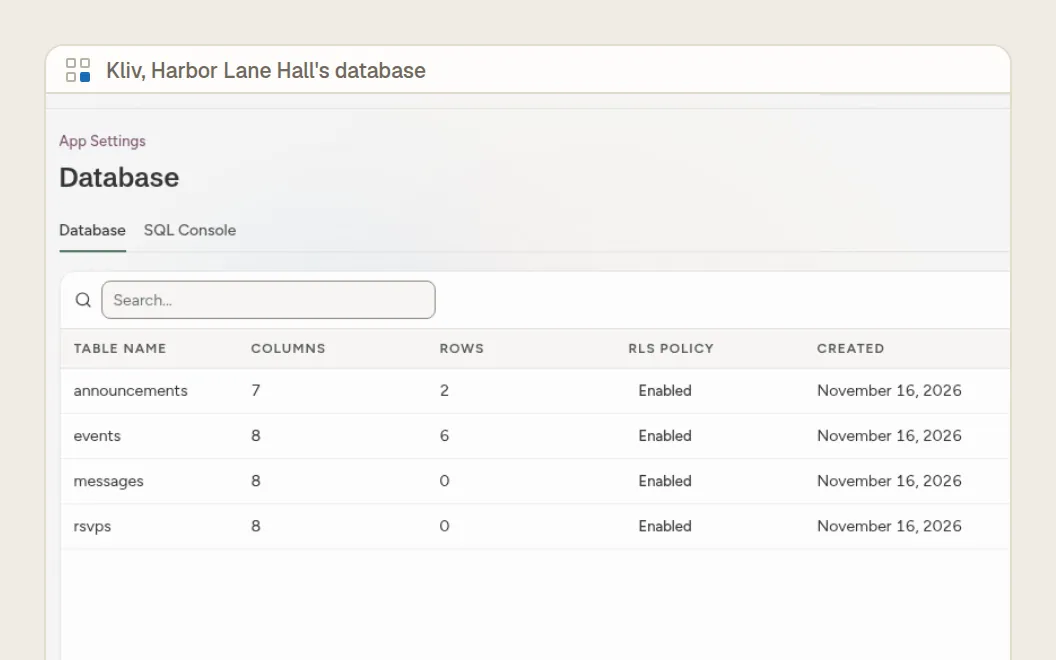
You describe the tool you want, and Kliv builds it: the editor, the preview, the exports, and the database that remembers each bar. What you get is a working web app that’s yours. You can use it yourself, share it with your team or open it to the public, and change it later by asking for changes.
On this page, that app is a progress bar generator, a small tool among the many web apps Kliv builds.
Why build one instead of using one
A one-time generator makes one bar, once. Then the number changes, and you make it again. If you track a fundraiser, a reading challenge or a stream goal, you want the bar to stay current, match your colors every time, and show the milestones you care about.
Your own generator remembers your styles, keeps each bar as a record, and can turn a bar into a live page that moves when the number does.
What a bar is made of
Each progress bar is a small record with a few parts.
The goal
A target, a current value, a unit and a label. The percentage is calculated from the current value and the target, never typed in by hand.
The style
Colors, height, rounded or square ends, stripes, and where the label sits. Save a style once and reuse it for every bar.
The milestones
Markers at set amounts, each with its own note, such as “new roof” at 60% of a fundraising goal.
The exports
A PNG or SVG file to drop into a slide, a newsletter or a social post, or an HTML and CSS snippet to paste into a page.
The live bar
A bar with its own link that updates on every open screen when someone changes the amount, with no reload.
An example: a community radio pledge drive
The station needs phone volunteers, the website and the studio screen to show the same pledge total. Your goals and screens will be your own.
One goal, one link
The station sets a pledge goal for its spring drive and creates a live bar in the station’s colors, with milestones for the transmitter fund and the studio repair.
Volunteers enter pledges
Phone volunteers sign in and add each pledge. The bar moves on the station’s website and on the studio screen within seconds.
On air and on stream
The live bar’s link is added as a browser source in the station’s streaming software, so the video stream shows the same bar.
Milestones get noticed
When a milestone is passed, the bar shows its note, and the host gets an email to announce it on air.
The drive closes
After the last day, the bar freezes at the final total, and the station downloads an image of it for the thank-you newsletter.
Describe your bars
Say what your bars track, how they should look and where they go. Three to start from:
Reading challenge
One bar per student.
“Build a reading challenge tracker for my class where each student has a progress bar toward 20 books, students log each finished book, the bars appear on a class wall page sorted by progress, and only I can see who logged what.”
Stream goal overlay
A live bar for video streams.
“Build a stream goal bar with a transparent background that I add as a browser source in my streaming software, shows the goal and current amount in my brand colors, and updates when I change the amount from my phone.”
Project progress page
Bars from task counts.
“Build a project status page with one progress bar per project, where each bar fills from the share of that project’s tasks marked done, and clients sign in to see only their own projects.”
Beyond a single bar
Bars can fill from your data. Instead of typing a number, a bar can count rows: donations received, tasks done, sign-ups this month. The bar is then a view of data you already keep.
Share it, or keep it private. A bar can be public at its link, visible only to signed-in members, or limited to one team.
Change the generator by pointing at it. In the Kliv editor, click a part of your generator and describe the change — thicker bars, a different font, the label inside the bar — and Kliv updates the app.
More about editing a Kliv app by clicking on it is on the visual editing page.
Small questions, plain answers
What exactly is Kliv?
Kliv is an AI app builder. You describe the software you want, it builds the working app, and you own the result. On this page, that app is a progress bar generator with exports and live bars.
What formats can the bars export to?
The generator can export PNG and SVG images and copyable HTML and CSS, if you ask for those formats.
Can a bar update by itself?
Yes. A live bar updates on every open screen when its amount changes, or when the records it counts change.
Can I put a live bar in my streaming software?
Yes. Streaming software that accepts a browser source can load the live bar’s link.
Can other people use my generator?
Yes. You can open it to anyone, limit it to signed-in users, or keep it for your own team.
Can I change the design later?
Yes. Ask Kliv for the change in plain words, or click the part you want changed in the editor.
More in this category
Built by Creators
Explore What's Possible
See real apps built with Kliv by developers and creators worldwide
Memory Café Coordination Tool
A warm platform for dementia-friendly cafés, connecting caregivers, volunteers, and coordinators.
Remit Record
Track remittances and household budgets seamlessly.
Next Page Book Club
Manage your book club easily with proposals, voting, and history tracking.
Northfern Tattoo Studio
Portfolio and booking site for Northfern Tattoo Studio.
Tidal Surf Reports
Crowd-sourced surf condition tracking app.
Riverside Commons HOA Management
A portal for HOA management at Riverside Commons.
Troop 214 Scout Management
A management tool for Scout Troop 214, focused on outings, advancement, and communication.
Te Kura Kaupapa Māori Whānau Board
A whānau coordination tool for Māori-medium schools.
Tsev Nyeem Ntawv Library
Mobile library coordinator for Hmong and Lao communities.
Craft Souk
A platform for artisans to manage orders collaboratively.
Vinyl & Thread Merchandise Store
An online store for indie band merchandise where fans can browse and purchase items.
Tabletop Tavern Manager
Manage your TTRPG campaigns with ease and style.
Track it once, show it everywhere
Describe your goals, your colors and where the bars should appear. Kliv builds the generator, and each new bar starts from your saved style.