How-to videos
Short videos that each show one task in Kliv, from start to finish.
Kliv on YouTube Subscribe
Build your Kliv app from Claude
Add Kliv as a connector in Claude and ask for a feature. Claude builds it, tries it in a preview and publishes it.
Watch on YouTube: Build your Kliv app from Claude
Make your site multilingual
Ask the builder for Japanese and Spanish, with a language switcher and an address for each language.
Watch on YouTube: Make your site multilingual
Save a version of your app and go back to it
Save a version, try a change, then restore the saved version and publish it.
Watch on YouTube: Save a version of your app and go back to it
Put your site on your own domain
Add your domain, copy the records Kliv shows you to your DNS provider, and let Kliv check them.
Watch on YouTube: Put your site on your own domain
Take a test payment on your site
Join your own site as a member, pay at the test checkout with a test card, and find the payment in Sales.
Watch on YouTube: Take a test payment on your site
Send an email campaign to your members
Ask the builder for an email, check who gets it, send yourself a test, then send it.
Watch on YouTube: Send an email campaign to your members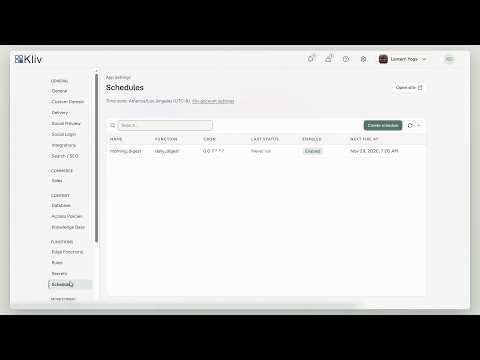
Run a job on a schedule
Ask the builder for a daily email, then find it under Schedules in Settings to change its time, check its last run or pause it.
Watch on YouTube: Run a job on a schedule
To watch a whole app being built, see the full build sessions on our YouTube channel.
For written guides and reference, see the Kliv docs.